Effective blog reading - part 2 - categories

Bloglines Categories

The image above shows the categories I (Nev) have in bloglines .

Tip 7 from part 1 of Top 10 tips for effective blog reading is to re-organise your categories. But how do you do it?

Here’s how I went from my old category system to this one.

  1. Decided on category names
  2. Went through all my old categories and moved my feeds into the new categories, being fairly rough in my distribution. When I was at all unsure, I’d put them into the “5 Priority” category
  3. Now as I read them I constantly adjust their positions. If I notice myself looking in a lower priority category to read a blog before higher priority blogs, I take action on that and swap the blogs around.

It only took me about 30 minutes or so and the benefits are great. I don’t feel like I’m potentially missing out on good stuff because I’ve made sure it’s at the top of my list.

I rejected quite a few schemes before settling on the category names above.

  • I first considered frequency. It may be handy for some but I don’t feel I’m structured enough to only look at a Daily category daily and a Weekly category weekly.
  • Naming the categories with names like “Most Important”, “Pretty Important”, etc felt a bit too restrictive.
  • So I settled on the fairly abstract names above.
  • No matter what naming system you come up with, it’s a good idea to put numbers at the front of the category names - that way they’ll appear in the correct order.

Comments (1)

Top 10 tips for effective blog reading - part 1

Top 10 tips for effective blog reading and Bloglines

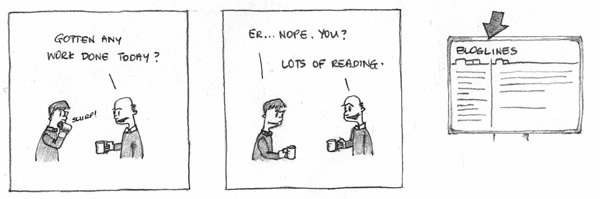
Ah… blogs - one of the best ways to waste lots of time.
Here are the top 10 tips we’ve found for being more productive when reading blogs.

  1. Before going any further investigate different blog readers - if you’re going to spend time reading blogs, use the right tools for the job. Different blog aggregators engender different usage styles - find one that is as efficient as possible. We use Bloglines for a number of reasons outlined below these tips.
  2. Try resizing your browser or news reader to make the text appear in a thin column about 8 words wide so that you can speed read it.
  3. Before attempting to change your habits, get a handle on your addiction :-) - record how much time you spend reading each of your blogs or blog groups.
  4. Now set time limits and times when you’ll read blogs - and stick to them. For example, 12:00-12:30 and 3:30-4:00. Set up something to enforce the limit - perhaps an alarm, or tell a friend/colleague you’ll buy them a dvd if they catch you reading blogs outside the time limits.
  5. Limit how many feeds you subscribe to on a particular topic. If you add a new feed, strongly consider deleting one of your old ones.
  6. Periodically test your feeds. Leave a feed unread for a week. Then spend some time doing a catchup and ask yourself “was that really worth my time?”
  7. Organise your categories not by topic (tech, java, games, news etc) but by importance and/or reading frequency.
    Example categories:
    Important/Must Read
    Daily - blogs you check daily
    Every monday - blogs you check every monday
    Every friday
    Weekly
    Monthly
    etc
  8. Add a ‘quarantine’ category for new blogs that you’re adding to your aggregator. After a week or so, decide whether you really want to keep that blog and move it to the appropriate category.
  9. Add an ‘ignore’ category for blogs that you no longer read - this helps you remember your decision. If you ever come across the blog in the future and think “ooh, I’ll add that to my aggregator”, you’ll see that it’s something you decided wasn’t worth your time.
  10. Consider subscribing to only a subset of a person’s blog. Someone may have interesting things to say about your favorite topic but do you really want to know about their thanksgiving dinner as well? Many bloggers tag their posts into categories and it’s often possible to get category-specific feeds. For an example, see our list of categories in the sidebar.

What we like about bloglines:

  • it’s with us wherever there’s a net connection so there’s no need to synch between home and work
  • you don’t have to click on each item to read each entry - one click on a blog or group of blogs and all the posts will be presented on one page
  • it ’stores up’ entries - if you haven’t looked at a feed for a while, instead of just getting, say, the last 10 articles in the feed’s xml, you’ll get every item since your last check, up to 200 items

Here’s a bonus tip for those of you that write blog posts - to help people quickly read your posts, somehow highlight the essence of your posts like we’ve done with the bold text in this post.

Links to other great posts about this topic :
http://dmiessler.com/archives/416
http://www.to-done.com/2005/07/productivity-tips-for-avid-blog-readers/
http://www.stevepavlina.com/blog/2005/05/managing-your-blog-feeds/

Do you have any other tips or have you tried one of the above? Have you found anything that works for you or have you tried something that didn’t work? Add a comment. You can also subscribe to our feed here or add it to your Bloglines.

In our next post, we’ll define some simple rules to determine whether a blog is worth reading!

Trackback: http://www.nevndave.com/2005/12/02/top-10-tips-for-effective-blog-reading-part-1/trackback/

Comments (45)

Top Search Engine Optimization tips

Search engine optimization

Search engines have become essential when browsing the web. There’s no doubt about it. With the wealth of information on the internet these days, we need good tools to help us find what we’re looking for. Take Google for example. It is for most users the central source of information on the internet and it is incredibly successful because of its ability to match relevant information against our search queries.

The crux of Google’s search engine is an algorithm called PageRank. Essentially, PageRank is a number which represents how important a page is on the web. One of the factors which contribute to the importance of a page is the number of other pages linked to it and the relative rankings of these pages. The more important a page, the more important the links present on that page. For the mathematically inclined amongst us, check out the PageRank description on WebWorkshop.

There are other factors that determine the importance of a page. The process of modifying a page to obtain the best ranking is known as Search Engine Optimization (SEO). If you are a webmaster, the first step is to Add your URL to Google. Following that, the following tips could be handy to improve your ranking:

  • Keywords in the title
  • Keywords in a H1, H2 or H3 heading
  • Keywords without style as first usage
  • Keywords in bold not as first usage
  • Keywords in italic not as first usage
  • Keywords in subscript/superscript
  • Keywords in an image filename, ALT tag and/or title
  • Keywords in a URL link or associated title tag
  • Keywords in a link to a site with PageRank 8 or higher
  • Keywords in a link from the homepage or external site
  • Use META keywords. Though not necessary for Google, it is useful for other search engines

Here are some useful resources to read up on Search Engine Optimization:

Comments

Googlebot shows up!

Googlebot shows up!

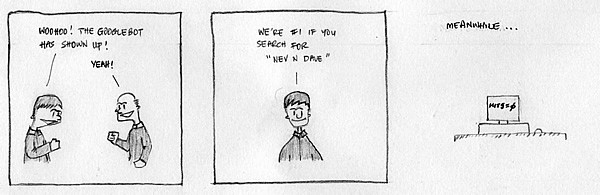
Woo hoo! Finally, the Googlebot has come to our site and crawled our pages. If you do a search for “Nev n Dave”, you’ll find we are #1 on Google of 569,000 other links.

Incidentally, we’re also #1 on Yahoo, MSN, A9, Alexa, Vivisimo and AskJeeves

That’s pretty amazing! :)

Comments (2)

IntelliJ IDEA vs Eclipse

IntelliJ IDEA vs Eclipse

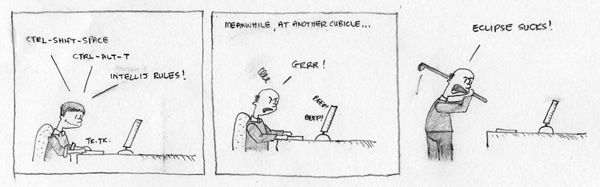
These days it is pretty safe to say that Java developers are generally divided into two main camps when talking about their IDEs. There’s IntelliJ IDEA which is a commercial product from Jetbrains and there’s Eclipse which is a free open source product.

Personally, I think both products are good for the Java community. They both offer amazing features that improve developer productivity, are easy to work with and provide plugins to extend the base product offering. What other programming language can even say they have a comparable IDE? If interested, check out this link about the recent Visual Studio 2005 concerns.

I generally agree with what Tim says, that because IntelliJ IDEA relies on sales to make money, that “quality, ease of use and completeness of the product” are key considerations. Yeah, the latest 5.x releases have had their share of issues but if you look at the product as a whole, it rocks! Develop with pleasure!

Comments (7)

Those boring meetings

Boring meetings

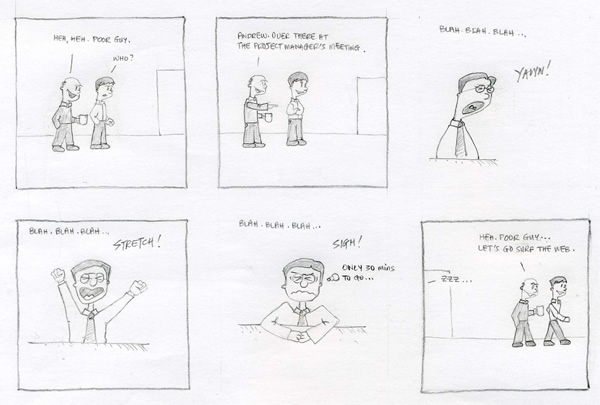
Can you recall the last time you were imprisoned in a meeting during which you lost all sense of time, could not stop yourself yawning and wished you could get back to your desk and actually do some real work?

Well, I’m sure you’ve all experienced it. Don’t deny it, I know you have - we all have. Every work place I’ve ever been to and every project I’ve worked on, I’ve found them to be unavoidable. For some unknown reason, I’m convinced they exist only to torment us!

On that note, let me introduce Nev n Dave’s guide to a good meeting:

  1. Have a clear purpose - What is the meeting about? What are you trying to achieve?
  2. Keep things relevant and on topic - Do not over deviate from the agenda. Are the right participants invited?
  3. Encourage participation and discussion - Don’t talk too much. Let someone else contribute to the meeting.
  4. Keep it short - Get the message across succinctly. End the meeting once the objectives are accomplished.

Do you have a boring meeting experience to share with us?

Comments (1)

Office farewells

Office farewells

The office farewell is a ritual in any workplace. It is a time to celebrate someone leaving the “family” and going on to bigger and better things. Often the manager would stand up, make a speech about how so and so have contributed to the organisation and illustrate some of the embarrassing things they might have done during a company function several years ago.

Being a software contractor, and moving from one company or another, you don’t often establish the bond the permie’s have. So the best thing about it, for me, is definitely the free food and drinks.

Comments

Vote for us

We’re adding ourselves to a couple of comic directories. So vote for us if you want to help us because you’ll get good karma! Honest. :-)

Just click on the image below!

Comments

Googlebot, puttying and tailing logs

Googlebot, puttying and tailing logs

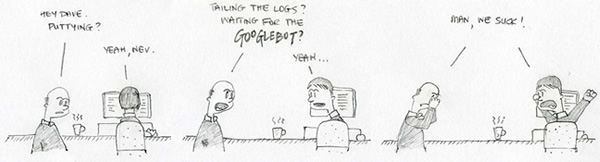
Ah the GoogleBot. Googlebot is Google’s web-crawling robot. Its job is to go out into the great Internet unknown and collect documents to build a searchable index for the Google search engine. In order for a site to be listed on Google’s homepage and be available for searching, that site must first be indexed by the GoogleBot.

I don’t know what other site operators do, but we tend to putty into the server and tail the access logs quite a bit. Yeah, yeah… it’s pretty sad but can’t help but get a kick whenever we see a “real” user access our sites… :)

Where is that GoogleBot?

Comments (2)

Domain name searching

Domain name searching

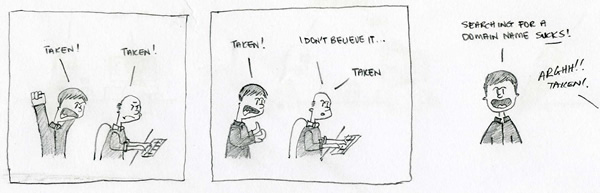
Searching for domain names is such a drag. For anyone who’s had the opportunity to look for and register a domain name, this process I’m sure would have had been a major source of frustration. Good names are generally taken. Most of the time they are used for a lame site - adding virtually zero value for the internet community. The rest of the time, they are simply parked - unused and wasted.

Comments (1)

« Previous entries ·